Claude
AnthropicWrites scripts, captions and strategy, and checks every piece against your voice and brand rules.
Media Operating System is a team of AI agents that writes, designs, produces video, records voiceover, publishes and measures for you. One idea becomes the complete package for every network, and with every piece the agents learn your brand and get closer to what you want.
 Your quote,
 3 mistakes when posting on social
 Your brand, in every city.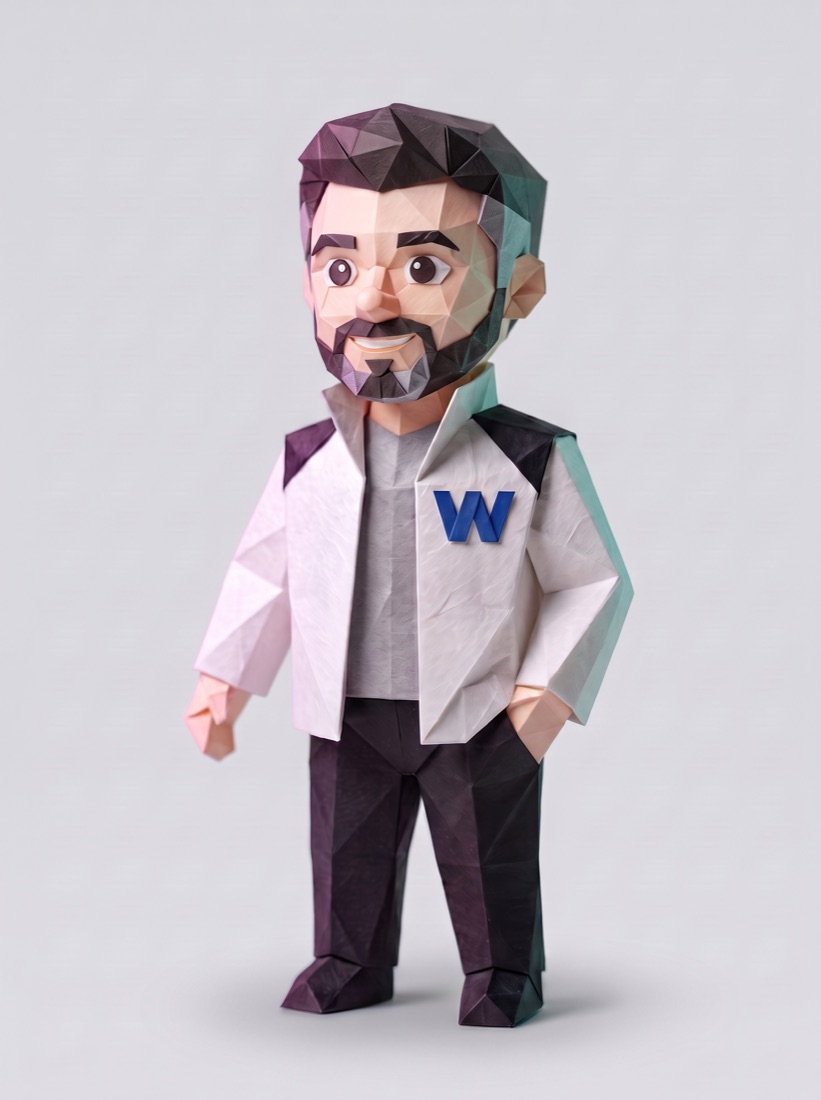
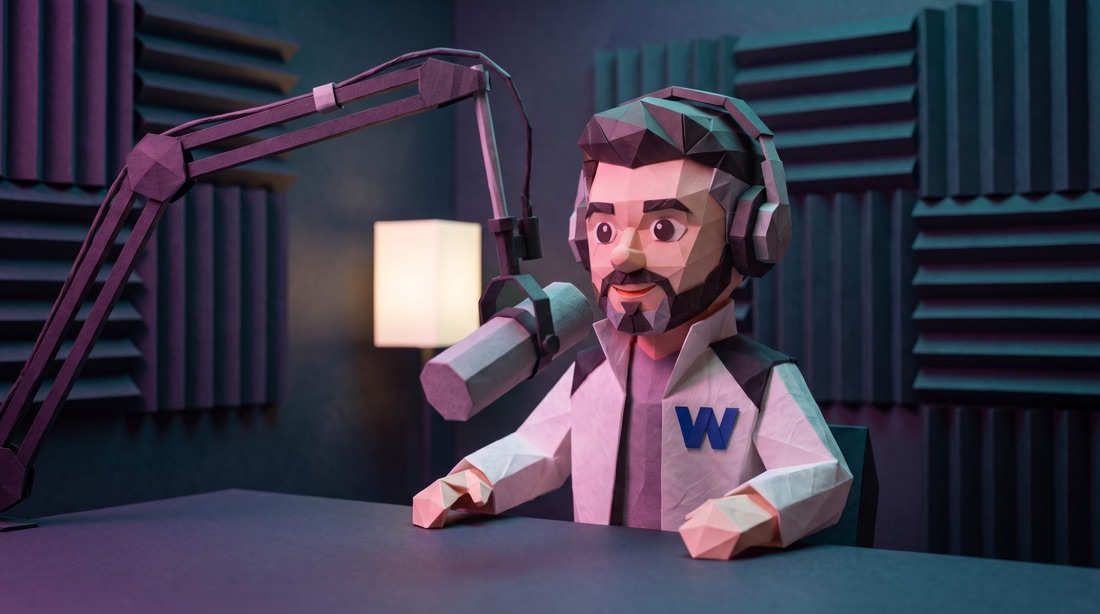

“Hi. This is what your brand's voice sounds like. You choose the tone, the pace and the language; you're in control.”
Images, video of any length, voice and copy come out on-brand, ready for every network, and get published with the level of supervision you choose. No passing files between five tools.
Images for posts, covers and ads in your style, your colors and your framing. Several options per piece to choose from.
From a 15-second reel to a video several minutes long: product or concept shots, pacing set by the voice and a cover that says what it’s about from the first frame.
Multi-minute YouTube videos: explainers, case studies and tutorials with chapters, voiceover, shots and on-screen text.
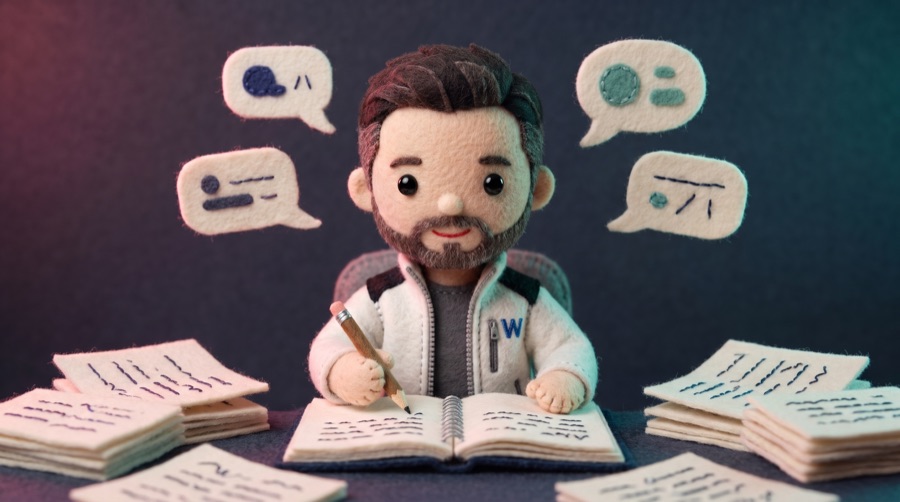
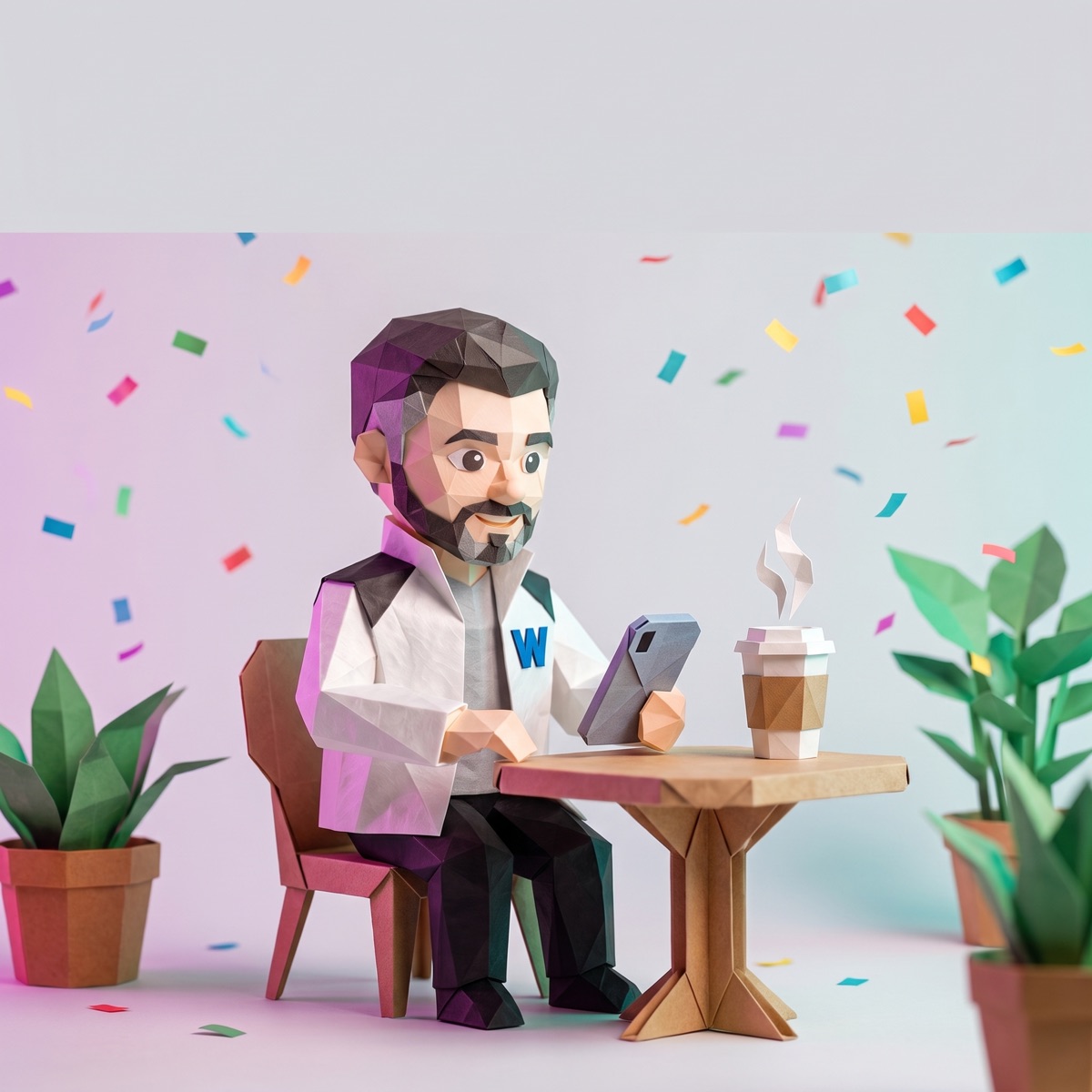
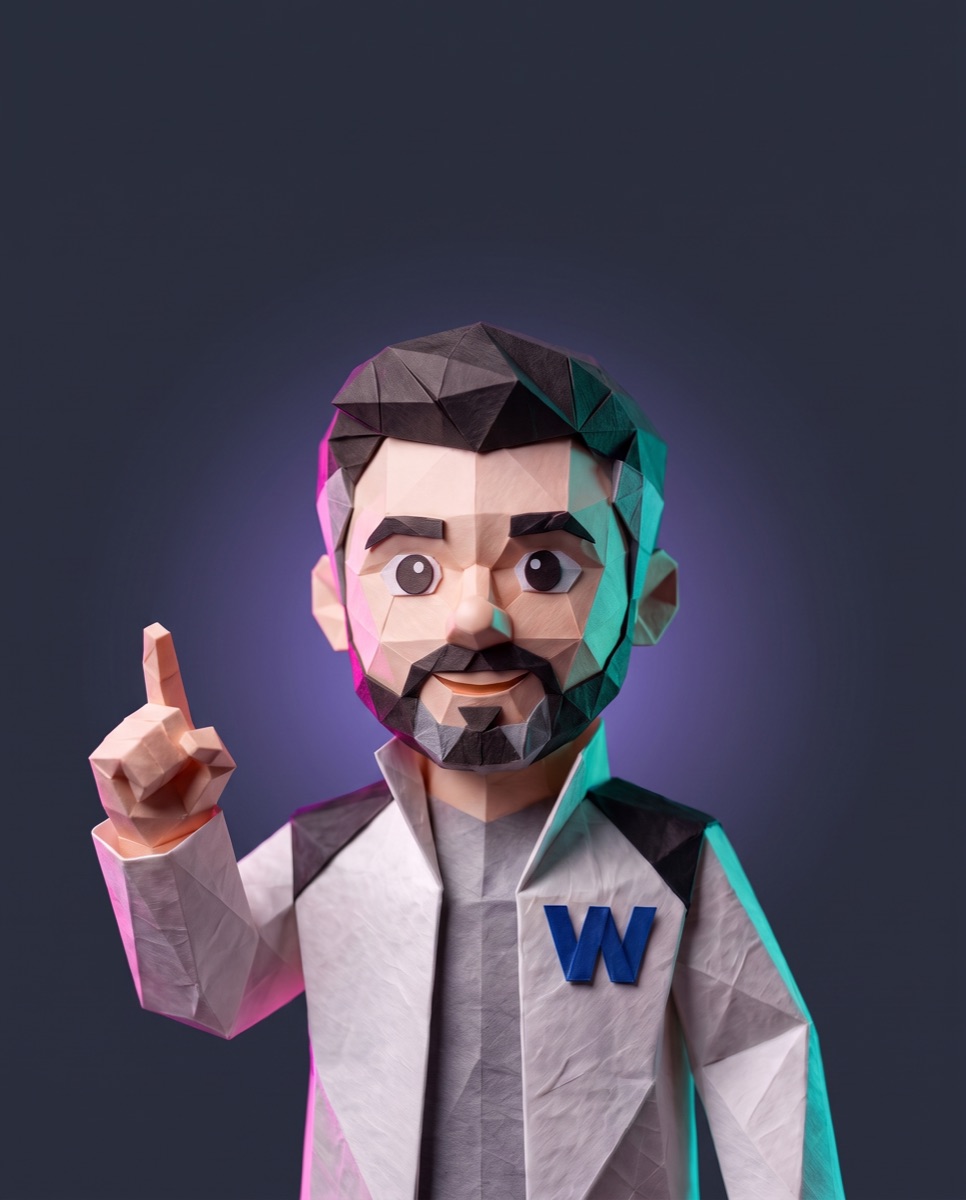
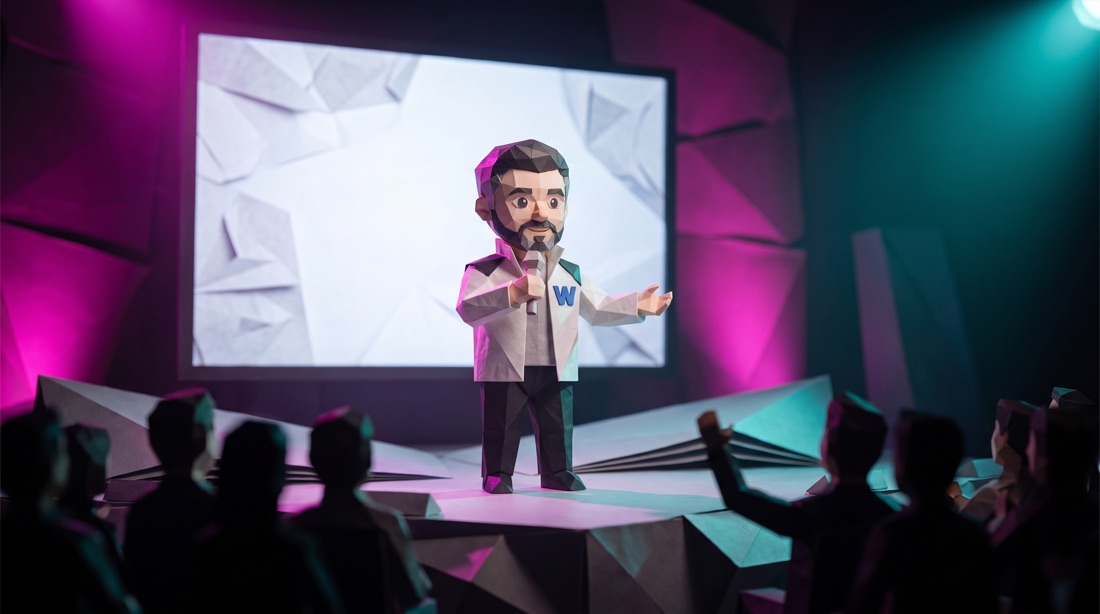
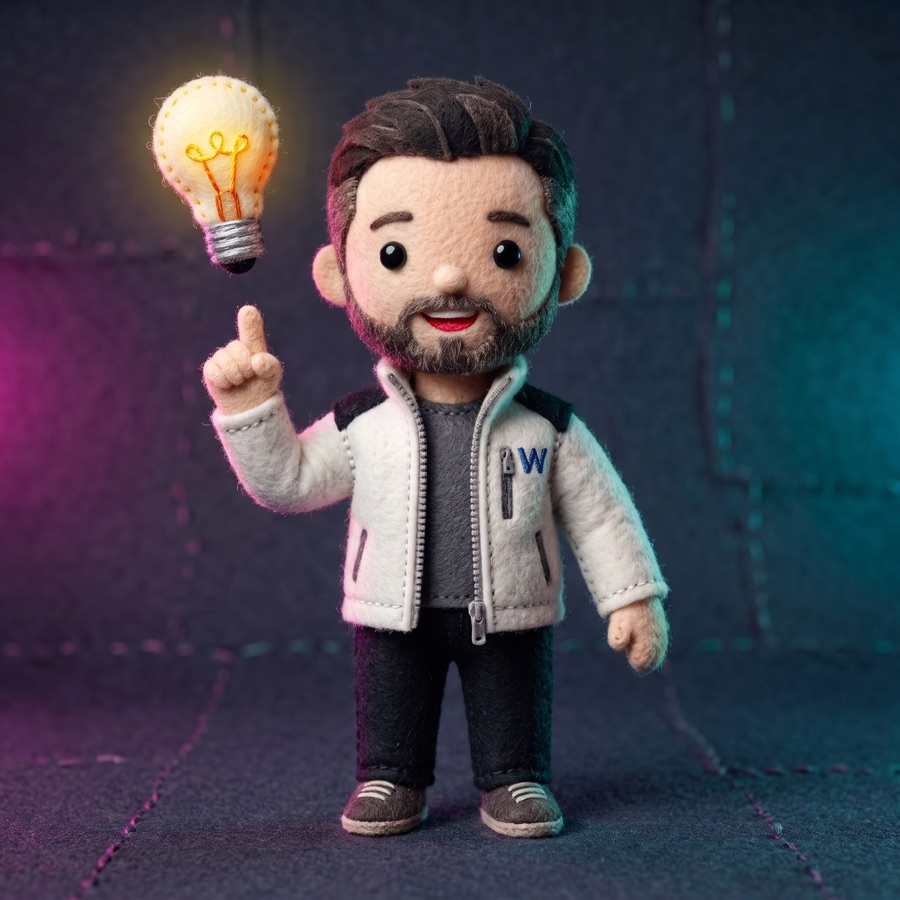
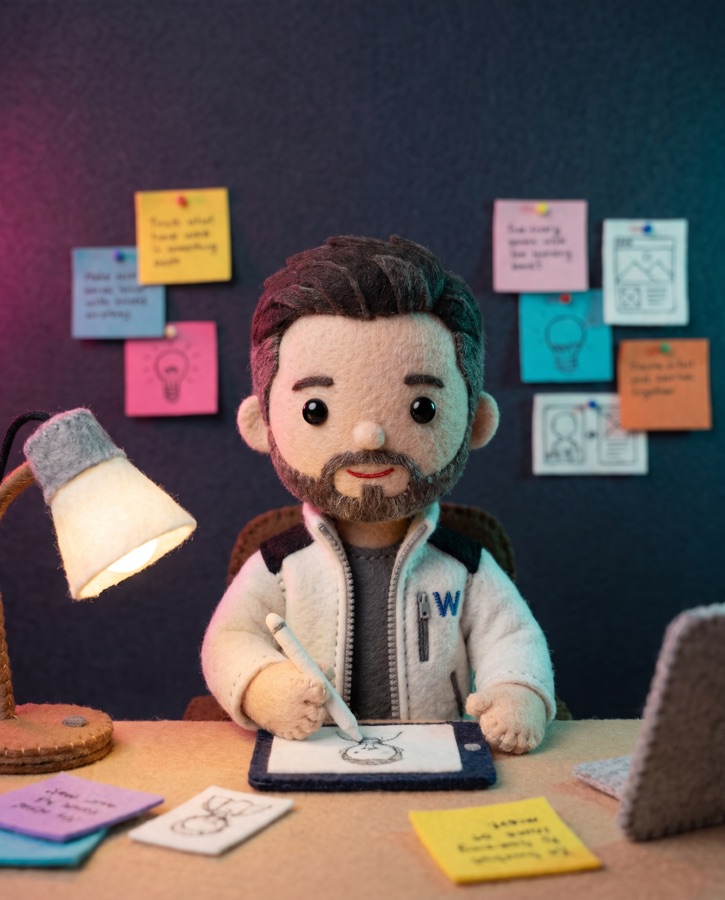
Your own character that looks the same in every piece: same face, same clothes, same style, video after video.
One fixed voice for your brand, in English, Spanish or whatever language you need. The same in all your videos so people recognize you by ear.
Figures, phrases and captions over the video, in your typeface. They are checked against the audio so they say exactly the same thing.
LinkedIn and Instagram carousels built on your template: cover, body and a closing call to action.
YouTube thumbnails and reel covers with your character and a title that reads in the grid.
 1 · The idea
 2 · Creates it
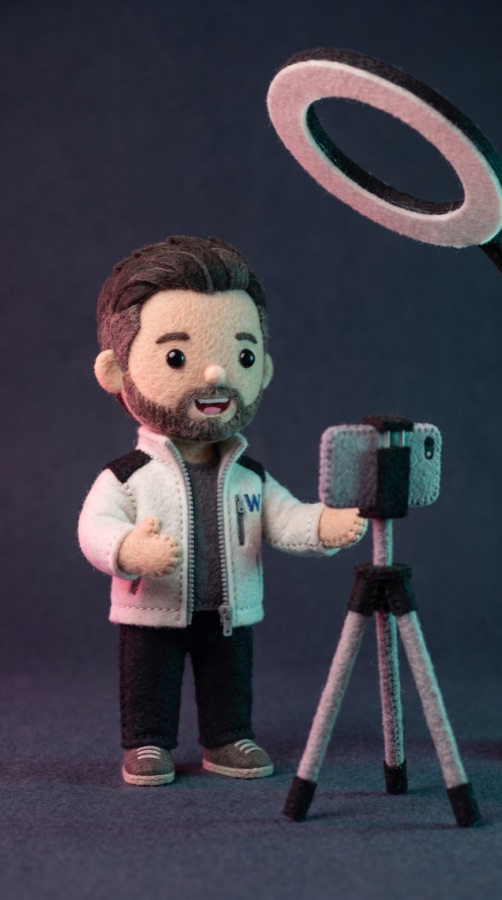 3 · Films it
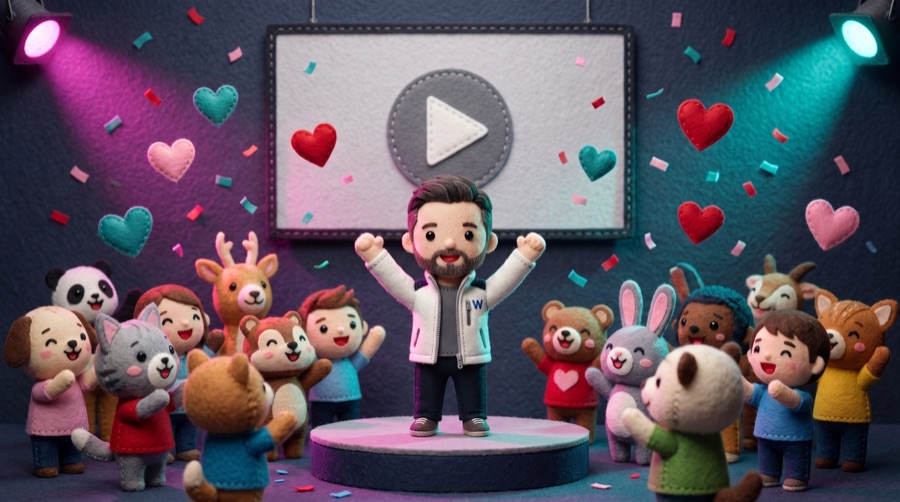 4 · Celebrates it
One story, every format: the same character and the same idea, composed for each network.
Each agent uses the model that does its part best. We choose the model per piece based on quality and cost, and when a better one comes out, we add it. You don’t have to pay for or learn eight tools.
Writes scripts, captions and strategy, and checks every piece against your voice and brand rules.
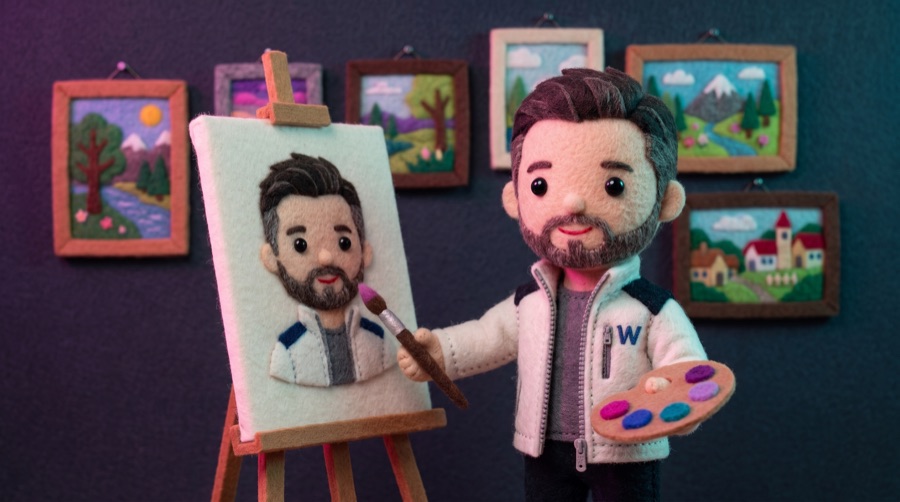
Images and keyframes that respect your colors and keep your character consistent in every piece.
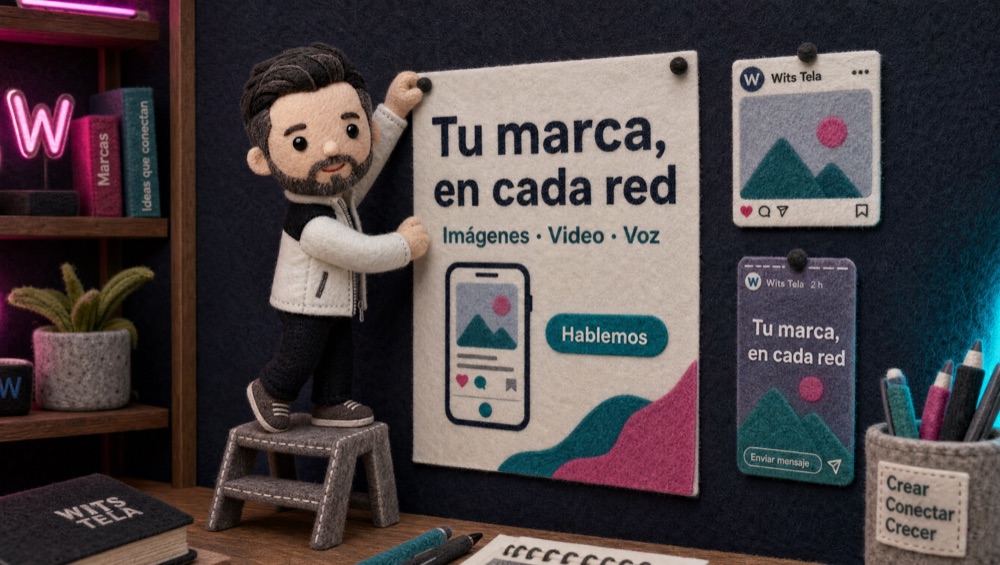
Complex compositions and images with legible text for covers, ads and carousels.

Cinematic product and concept shots at a low cost per second: the foundation of almost every video.
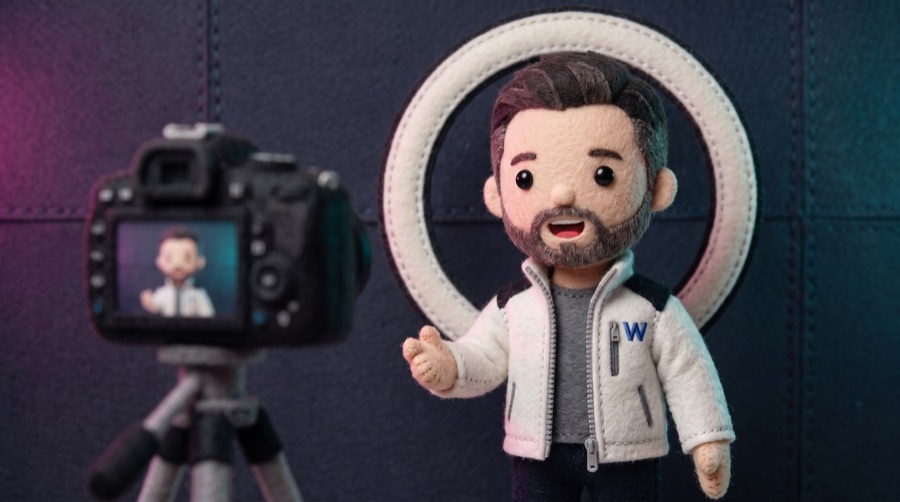
Video with a character who talks to camera, lips synced to the voice.
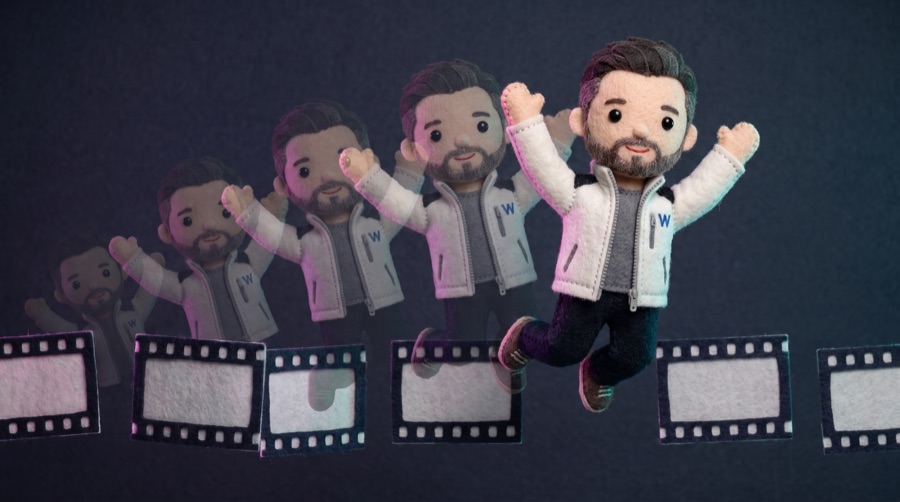
Motion and scene animation from a single image: camera, gestures and action.
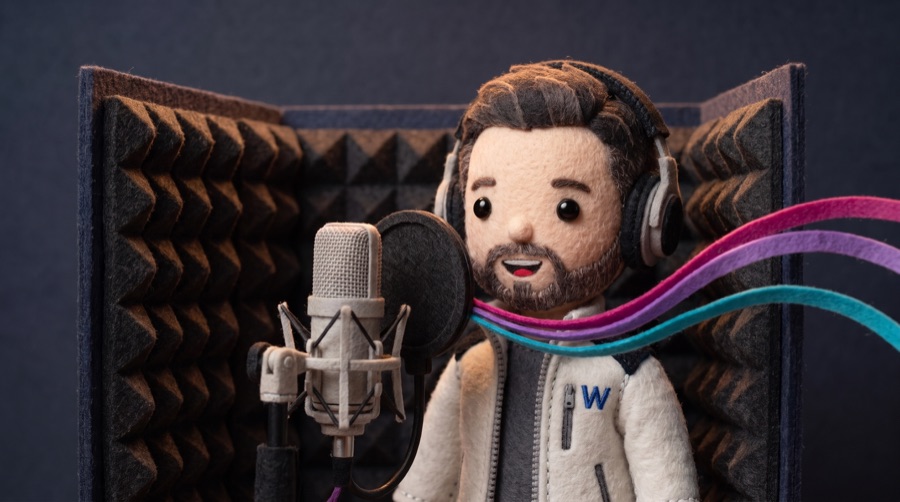
Natural voices in dozens of languages. Your brand’s fixed voice, the same in every video.
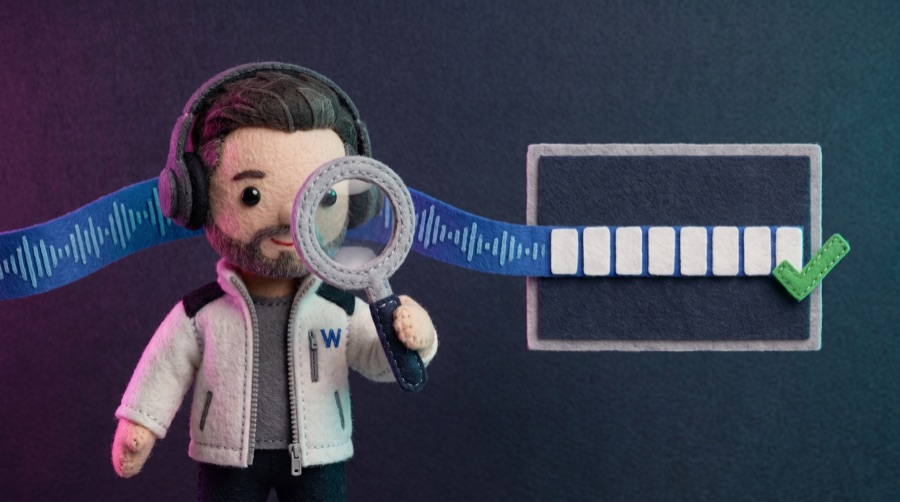
Transcribes every video and verifies that captions and on-screen text say exactly what the voice says.
The brands mentioned belong to their respective owners. Media Operating System uses these models through their services; this does not imply affiliation or sponsorship.
Within the ceiling: generated without asking for approval.
You define your voice, your topics, what is never said and your visual guide: colors, style, character and voice. You connect your networks with revocable permissions.
Just onceEvery idea becomes a package per network: image or video, voice, copy and caption. It passes checks for banned topics, each network’s limits and usage rights.
Every weekAt first you review more. Every approval and every correction trains the agents; over time only what’s sensitive or new reaches you.
Less and lessReach, engagement, clicks and video views by network in one dashboard. What worked feeds the next piece.
AlwaysOnly the pieces that need your eye, with a preview per network.
DashboardSee it in the dashboardWhat was published and what’s pending, in your company’s time zone.
CalendarSee it in the dashboardGoal and measurement plan before the first piece is produced.
CampaignsSee it in the dashboardAll your networks together, with your own metrics history.
AnalyticsSee it in the dashboardComments, reactions and alerts after you publish.
Monitor · InboxSee it in the dashboardYour brand’s images and videos, approved and ready to reuse.
MediaSee it in the dashboardReview everything, only what’s sensitive or only the exceptions. Change the level whenever you want, per network. Prices, promises and delicate topics always go through you.
Remove access for any network (Meta, LinkedIn, YouTube…) from the network itself, whenever you want.
Your network keys are stored outside the code; no one on the team sees them in plain text.
No one sees another client’s brand, pieces or metrics.
What each agent did, why, who reviewed it and what was published stays in a history that can’t be edited.
Your content and metrics are used only for your account. They are never sold or used for advertising.
Media Operating System is cloud software: you connect your networks, define your visual guide once, invite your team and use it from anywhere. Nothing to install.
What your market searches for, which channels are worth being on —including AI assistants— and whether what you published worked.
Explore Market OSTurns that into images, videos and posts published and measured on your networks. They work separately; together they close the loop.
Request a demoA channel grows with method, not luck. Planning, production, publishing and measurement in a single loop that repeats with every video.
Media OS is AI agent software for social media by WITS, a Mexican software and AI company. Its agents create on-brand images, video, voice-over and posts, prepare them for social channels and measure every piece.
No. You review more at first, while the agents learn your voice and style. Every approval and every correction makes them better, and you decide how much to supervise: everything, only the sensitive items (prices, promises, delicate topics) or only the exceptions.
Images for posts and carousels, short vertical videos (reels and shorts), long-form YouTube videos, thumbnails, voiceover, on-screen text and captions.
Yes. Every piece follows your visual guide: colors, style, framing and, if you want, your own character that appears across all your pieces.
Yes. Every piece has an estimate and a cost ceiling before anything is generated; if it is going to exceed it, you are told before work continues.
Today: Facebook, Instagram, LinkedIn and YouTube. Other networks are connected during implementation.
Yes, from each network’s settings, whenever you want.
No. You set up your brand once (voice, style, character and networks) and the agents do the rest. You sign in from any browser to see results and step in only when something needs you.
It depends on your networks and the volume of pieces, especially video. We’ll tell you on the first call.
What they do, how they use tools and why they need supervision at first.
WITS blogHow to pick the repetitive work that pays off soonest.
WITS blogYour content, cited when people ask an assistant instead of searching.
WITS serviceAI automation connected to your CRM and ERP, in phases.
WITS productMeasures what to publish and where, before Media OS creates it.
Tell us what you sell and which networks you’re on. We review your pages before the call and arrive with a proposal of pieces for your brand.
You can also call or WhatsApp us at +52 56 6107 7931 (WhatsApp), or email ventas@wits.mx.
Guadalajara, Jalisco, MexicoThe agent held the piece because it includes a figure. Figures always go through you.
First piece on this topic: the agent asks for your OK once and learns from it.
Scheduled for tomorrow at 9:00 AM · ready for your approval.
Get more companies to request a quote online. Message: "your quote, in minutes".
Does this work for a small shop? I’m really interested.
Purchase intentHow long does the first video take to be ready?
QuestionHaha I love the paper character 😍
PositiveThe full video didn’t load for me.
Needs attentionHi Josh! The first video is usually ready in two or three days, already with your voice and style. Want me to send you an example from your industry?